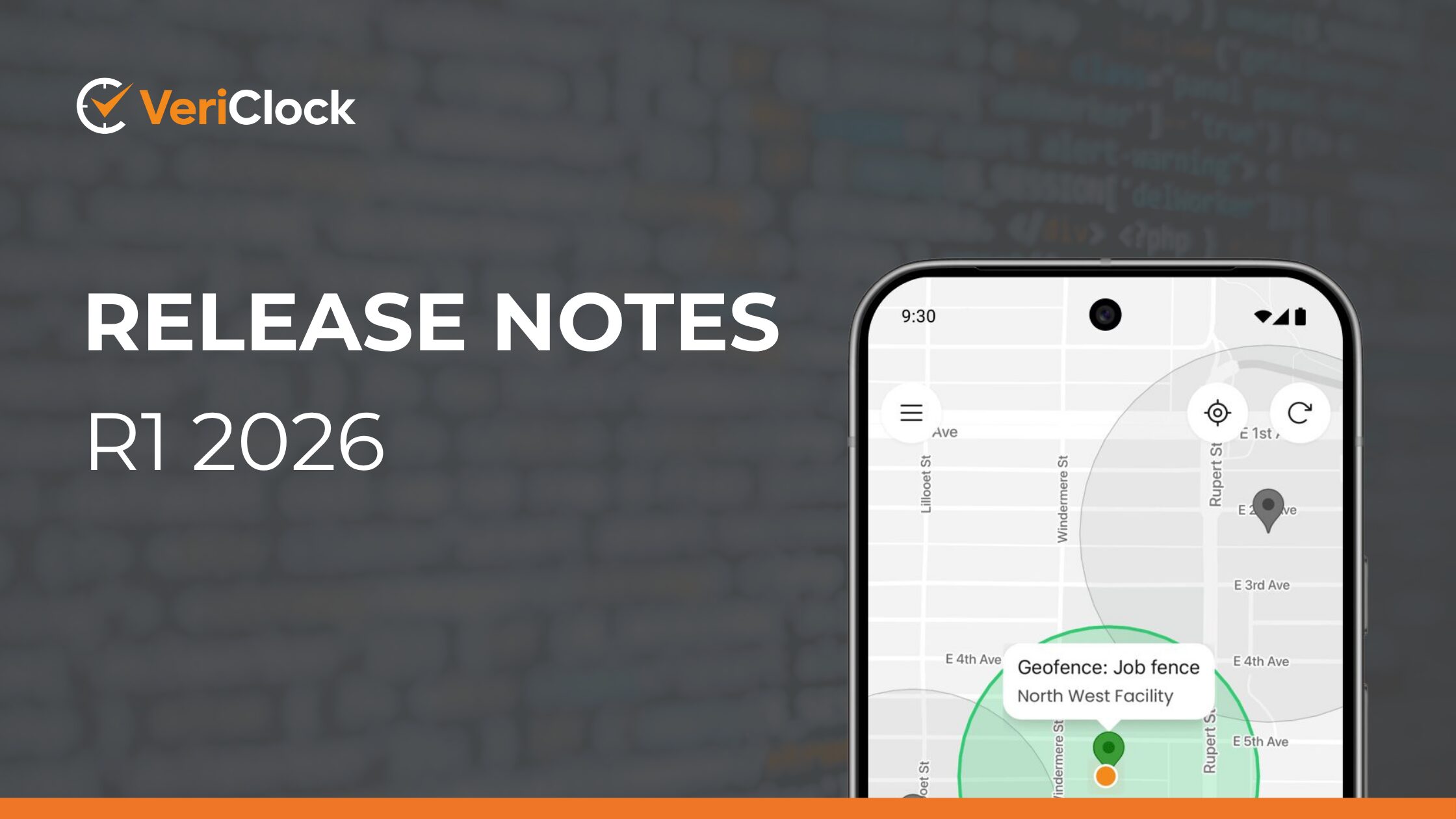
Geofence & GPS Improvements, Mobile Time Entry Updates, Reporting Enhancements & Platform Performance
Mobile & Platform Enhancements Update
This release builds upon the complete rebuild of the VeriClock mobile app introduced in November, plus continued enhancements in the first quarter of 2026 that further refine performance, usability, and reliability across the platform.
In addition to these ongoing improvements, we are also highlighting important iOS security updates and recommending that users ensure their devices are running the latest supported version.
This release introduces a range of mobile, reporting, and infrastructure improvements designed to strengthen time validation, improve field reliability, and enhance overall platform performance
Stronger Geofence Enforcement & Location Reliability
We’ve significantly enhanced how geofence rules, GPS tracking, and device location permissions work together during clock-in and clock-out.
Improvements include:
- Clear separation of location permission alerts and geofence enforcement
- More consistent behavior between “warn” and “block” geofence configurations
- Improved visibility of geofence status within the activity view
- Reduced battery usage on Android devices during active shifts
- Enhanced handling of device permission states when location access is restricted
- Increased reliability of geofence address lookup services
- Lowered frequency of background location updates to optimize battery usage and reduce server load
- GPS tracking now stops correctly on iOS when the app is closed while the user is clocked out
What this means for you:
Clock-ins now more consistently respect your configured jobsite boundaries, strengthening compliance, location accuracy, and field accountability while improving battery performance.
Smarter Time Conflict Detection in the Add Time Grid
We’ve upgraded validation inside the Add Time Grid as part of an upcoming UI update currently in final testing. Due to strong demand for this enhancement, we are sharing these updates in advance of release.
Enhancements will include:
- Clear highlighting of both new and existing entries when conflicts occur
- More detailed start and end timestamps in conflict messages
- Improved consistency of daily and weekly time validation warnings
- Inclusion of service items in grouped time views
- Improved safeguards when copying time from previous weeks
- Option to hide the “Copy Week From” button via custom configuration settings
What this means for you:
These updates will provide stronger validation before export, reduce payroll corrections, and improve clarity during time review once the new interface is released.
Stronger Protection for Approved Time Records
When “Prevent Approved Time from Being Edited” is enabled, approved entries are now more strictly protected from modification.
Additional safeguards now ensure that:
- Conflicted time events synced from mobile devices will no longer be blocked incorrectly when they exceed configured historical editing limits
- Time validation behaves more consistently across sync and manual entry workflows
What this means for you:
Improved payroll governance and stronger separation of duties for growing teams.
Improved Mobile Time Entry Stability & Accuracy
We’ve refined the mobile time entry experience to improve reliability and accuracy across both Android and iOS devices.
Enhancements include:
- More stable note and custom field entry
- Improved minute rounding accuracy
- Time picker behavior that intelligently defaults to the current time
- Highlighting of the currently selected time value in dropdown selectors
- Improved handling of large fonts and accessibility settings
- Better stability when editing existing time entries
- Mobile time display now correctly follows device 12-hour or 24-hour clock settings
What this means for you:
More reliable mobile time capture and fewer unexpected adjustments during editing.
Better Alignment Between Mobile & Web Job Rules
Mobile time entry now mirrors your configured job rule settings more closely.
Improvements ensure:
- Required and optional job fields behave consistently
- Inactive or unassigned jobs are properly enforced
- Validation behavior matches web-based entry
- Long job names, service items, and custom field values now wrap correctly in mobile list pickers so full values remain visible
What this means for you:
Cleaner job coding and improved job costing accuracy across devices.
Enhanced Multi-Group & Team Time Entry Workflows
We’ve strengthened workflows for organizations using multi-group and team-based time entry.
Updates improve:
- Group assignment accuracy
- Validation when creating time for multiple employees
- Stability when switching entry modes
- Alert behavior for shift-based schedules
What this means for you:
Greater reliability for larger teams and multi-crew operations.
Cleaner Excel & Report Exports
We’ve enhanced Excel export formatting and reporting capabilities to produce cleaner, more reliable reports.
Improvements include:
- Improved Excel page setup formatting to prevent unwanted vertical page breaks
- More consistent report layout across export types
- New report formula functions to calculate hours or minutes by payroll item
- Improvements to custom reporting logic to prevent failures when job visibility differs between roles
What this means for you:
More professional payroll exports and improved reporting presentation.
Improved Login Stability & Embedded Feature Transitions
We’ve refined session handling and feature transitions across the platform.
Improvements include:
- More stable transitions between embedded features such as PTO and ID badge views
- Improved reliability when saving and loading files or images attached to activity notes
- Enhanced handling of email sending services and background platform tasks
What this means for you:
Smoother transitions between features and reduced likelihood of unexpected logouts or interruptions.
🚀 New VeriClock Mobile App – Full Platform Update
The VeriClock mobile app underwent a complete rebuild in November 2025 to improve performance, reliability, and long-term scalability.
We are highlighting it here as a reminder for customers to download and explore the updated experience, including the new look and feel and enhanced user interface.
The updated mobile app includes improvements across core workflows, including time capture, job selection, approvals, and overall usability in the field.
What’s New
Initial Rollout:
- Complete rebuild of the VeriClock app
- Activity notes, pictures, and video capture improved to work offline, support multiple images per note, and allow uploads when editing completed events
- Enhanced usability around geofencing and location
- Modernized look and feel
- Improved GPS, geofencing, and battery life performance
- Data persistence for clock in/out forms so data is not lost
- Custom field lists are now searchable
- Job and Service Item descriptions are now searchable
- Week/date selector on the Time Card now includes forward/back navigation for quick access to previous weeks
- Bug fixes and performance improvements, including significant battery life enhancements
Post-Rebuild Stabilization & Improvements:
- Greater consistency across time entry validation workflows
- Refined handling of job assignment rules and field behavior
- Increased reliability when creating and editing time entries
- Strengthened offline functionality and sync behavior
For a detailed overview of the new mobile experience, including key features and enhancements, please refer to: https://vericlock.zendesk.com/hc/en-us/articles/42731395331092-Release-Notes-November-2025-Introducing-the-New-VeriClock-Mobile-App
📱 iOS App Update (Available Now)
The latest version of the VeriClock mobile app for iOS is now available on the App Store:
https://apps.apple.com/us/app/vericlock/id937933967
This release includes performance improvements, stability enhancements, and user experience refinements aligned with the broader platform updates outlined above.
⚠️ Important: iOS Security Update Requirement
Due to recent security vulnerabilities affecting iOS devices, we strongly recommend that all users update to the latest version of iOS to ensure continued security and compatibility with the VeriClock mobile app.
Apple has released important security updates addressing active exploitation risks. Devices running older versions of iOS may be vulnerable.
Recent reporting has also highlighted ongoing targeted attack campaigns affecting mobile devices, reinforcing the importance of staying up to date with the latest security patches.
For more information and update instructions, please refer to:
- Apple Security Update Guidance – March 2026:
https://support.apple.com/en-us/100100 - News Coverage on Recent iOS Security Threats:
https://www.nbcnews.com/tech/security/apple-iphone-users-update-software-hacking-campaigns-rcna264199
🤖 Android App Update (Available Now)
The latest version of the VeriClock Android mobile app is now available on Google Play:
https://play.google.com/store/apps/details?id=com.vericlock.android.client
This release includes performance improvements, stability enhancements, and continued alignment with platform updates across mobile and web.
Infrastructure, Performance & Platform Modernization
To support continued growth and platform performance, we’ve implemented a range of infrastructure upgrades and modernization initiatives designed to improve scalability, security, and long-term reliability.
Updates include:
- Additional application server to increase processing capacity
- Database server upgrade doubling CPU and memory resources
- Migration to the latest Amazon Web Services platform across core services
- Enhanced cloud storage architecture for voice recordings and other file assets
- Improved security between application servers and the database through internal SSL encryption
We will also continue working throughout 2026 to improve reporting performance and optimize how time records are stored and processed.
What this means for you:
Improved scalability, stronger security, better performance during peak usage periods, and a more stable foundation as your organization grows.
We’re Here To Help
We hope you have the opportunity to try these feature updates. And this is just the beginning. We have many more updates scheduled to be released throughout the year. And remember, the VeriClock team is always happy to help!
Our Vancouver & Toronto-based customer success team is available by phone, live chat, or email from 9:00 AM to 5:00 PM Pacific Time – Monday to Friday.
Phone – Speak to a real person by calling 1 (800) 379-2001
Live Chat – Directly from your VeriClock account
E-Mail – Reach us at help@vericlock.com
We appreciate the opportunity to work with your business and look forward to helping you with your time-tracking needs.